phosphor
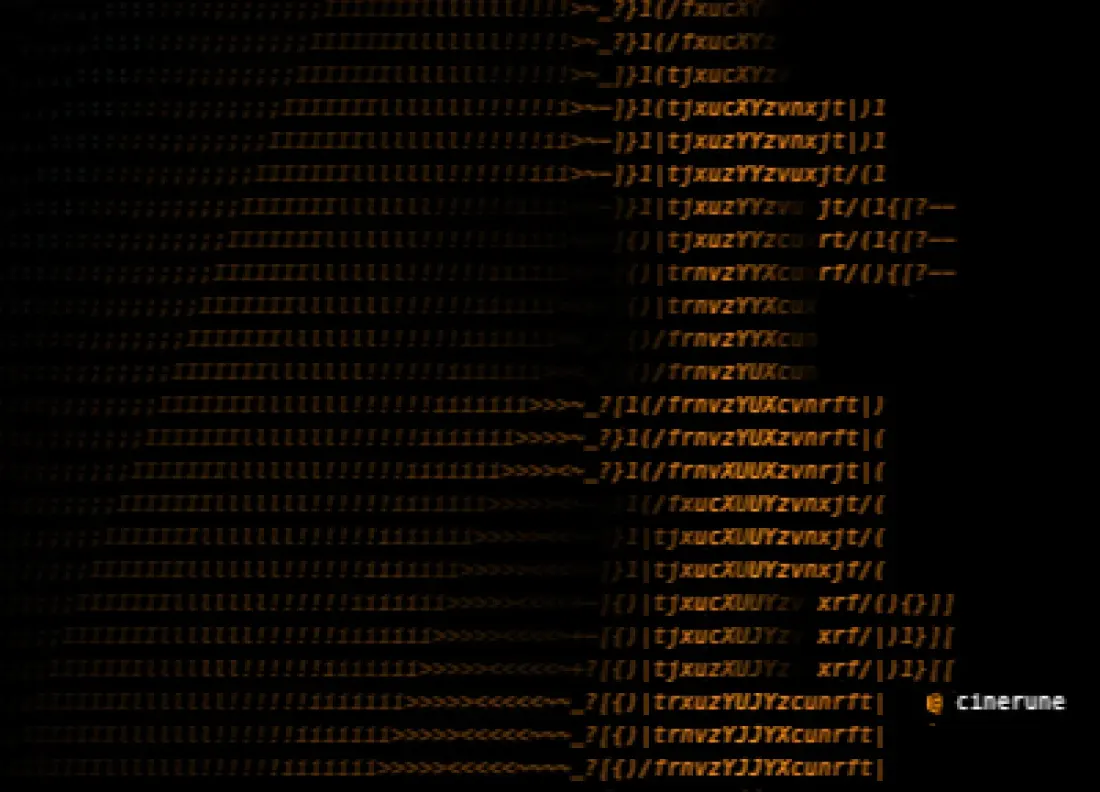
CRT afterglow — the warm ghost a bright cell leaves behind. The look of a screen someone has been staring at all night.
→ deep diveOrganised by what they actually do to a frame — and to the person watching it. Each card is a doorway into a deep dive: what mood it carries, what it pairs with, the exact parameters, and a Cinerune project to open in the IDE and start breaking.
Three headline studies — one effect, one preset, one mask — plus a growing shelf of per-effect deep dives below: each a real exported frame, the full parameter table, and a Cinerune project you can open and break.
For the moment the signal almost dies. Cold opens, error screens with attitude, type that doesn’t quite trust itself to stay on screen.
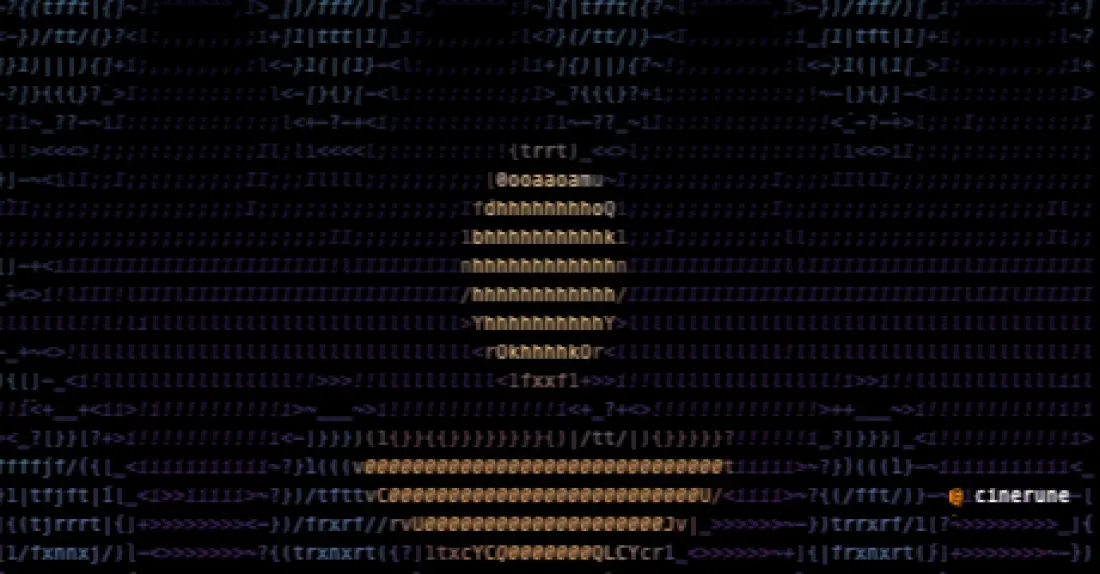
The moment a character realises. Hitchcock on the staircase. Brody on the beach. The frame holds them dead-still while the world falls away.
A theatre spotlight that doesn’t hide the room. Center stays clean, edges keep breathing — “look here” without losing the world around it.
CRT afterglow — the warm ghost a bright cell leaves behind. The look of a screen someone has been staring at all night.
→ deep diveMatrix rain over the scene — green heads and tails raining down a frame that still half-shows through.
→ deep diveA local vortex. The frame caught in the moment it starts going down the drain.
→ deep diveN-fold mirror symmetry. Realism folded into pure ornament.
→ deep diveSnap every colour to one fixed set — amber, Game Boy green, CGA. The frame remembers a machine.
→ deep diveNewspaper halftone — tone becomes dot size. Print-room texture on a moving image.
→ deep diveA push that doesn’t need a second cut. Emphasis, on a frame that was never shot for it.
→ deep diveAtmospheric haze that sinks the background. Distance you can feel, not just see.
→ deep diveASCII read through uneven glass — refraction and caustics flickering over the bright parts.
→ deep diveThe image putting itself together out of scattered glyphs — or coming apart.
→ deep diveA video signal chain dying in realtime — drifting bands, desynced RGB, dropped scanlines, corrupted feedback. Violent, never stabilises.
→ deep dive14 themed groups covering 227 effects total. Each one carries a distinct emotional register — pick the feeling, then pick the variation.
The frame stops being a flat surface. Cells get their own dx/dy/dz, the image breathes like cloth in wind. For dream sequences, music-video flythroughs, anything that should feel like the screen is no longer behaving like a screen.
The aesthetic of stuff that almost worked. VHS dropouts, CRT bleed, scanlines that won’t hold steady. Use when the look has to feel found rather than authored — recovered footage, dying broadcast, a system about to crash.
→ 18 effects · incl. signal-collapse deep dive16 per-letter animations. Type that scrambles, typewriters in, glows neon, holograms, marches as a marquee. For title cards, kinetic lyrics, on-screen UI that needs to feel alive instead of pasted on.
→ 16 effects · explore the groupHacker green, Matrix rain, sci-fi diegetic UI. Sixteen variations of falling code and decoding glyphs. Reach for this any time something on screen is supposed to look like it’s being computed in real time — even if it isn’t.
→ 16 effects · explore the groupPick the colour the frame remembers. Amber CRT, Game Boy green, Bloomberg-terminal yellow, blueprint cyan. Duotone and tritone palettes turn realism into graphic design with one parameter. Good for noir, poster art, branded looks, anything that needs to feel chosen.
→ 17 effects · explore the groupThe frame as something physical you can squeeze, ripple, melt, twist. From a light heat-haze on a desert horizon to full kaleidoscope and tunnel pulls. For visualisers, hallucination scenes, “something is in the water” setups.
→ 16 effects · explore the groupThe screen has a memory. Phosphor burn-in, motion trails, char-lag, OLED smear. For long-exposure looks, ghost-of-a-movement reads, anything where the past needs to stay partly visible inside the present frame.
→ 8 effects · explore the groupGate any effect by a region. Procedural (radial, linear), image-driven, motion-driven, depth-driven, or hand-painted with onion-skin and keyframe tween. The technique that turns “effect on everything” into “effect exactly where it earns its keep”.
The look of footage that was clearly shot on a phone. OLED latency, pocket glow, notch falloff, the way a status bar scans across a deep dark frame. For vertical content, “found phone” sequences, anything that should read as now instead of cinema.
→ 19 effects · explore the groupEffects that know there’s a person in the frame. Rim light on the silhouette, shadow cast behind, refraction glass over the background. MediaPipe segments the subject; the effect respects it. For portraits, talking-head pieces, music videos with a clear protagonist.
→ 19 effects · explore the groupPer-cell depth awareness plus a damped-spring follower locked to a moving subject. The spotlight stays on the face even when the face moves. For interview cuts, action shots, anywhere the audience’s attention can’t be allowed to drift.
→ 6 effects · explore the groupThe layer doesn’t just appear or disappear — it burns away, electrifies, fades into sepia. For transitions with weight, climax moments, end frames that say “this is the last image you’ll see of this”.
→ 12 effects · explore the groupA small pack with strong personality: caustic glass, holographic foil, liquid-crystal smear, thermal mirage. Pure-shader looks that don’t exist in any other tool. Use sparingly — these are the visual signature, not a layer of texture.
→ 13 effects · explore the groupThe cinematic vocabulary that doesn’t need a second cut. Zoom, pan, orbit, Dutch tilt, iris-in, letterbox, shutter wipe, film burn. For pacing, emphasis, “feels-like-cinema” energy added to a project that was never shot like one.
→ 23 effects · explore the group132 stacks across 5 collections — real layer recipes, not black boxes. Load a preset, see exactly what it bound, edit any of it. Designed by someone making a particular kind of look on purpose.
The foundational looks. Green phosphor monitors, amber CRT terminals, paper print, code rain, photocopy, blueprint. These are the references everyone reaches for first — and they’re the easiest place to start before pushing toward something stranger.
→ 29 presets · explore the collectionCamera language for a frame that doesn’t have a camera. Zolly, rack-focus, split-diopter, crash-zoom, Dutch tilt, bullet-time, slit-scan, tilt-shift. The vocabulary cinematographers spent a century building, ported into a tool that’s working with characters instead of celluloid.
→ 17 presets · incl. cinema-zolly deep diveOnce the segmenter has carved the subject out of the background, depth-driven stacks let you treat them as separate worlds. Fog behind, rain behind, parallax push, foreground-fade. For portraits with space; for putting a character in weather they were never shot in.
→ 31 presets · explore the collectionTitle-card stacks. Chrome foil, neon sign, scramble-decode, marquee-loop. Designed to make a single line of type carry a whole shot — open with one of these and you’ve set tone before the first cut.
→ 8 presets · explore the collectionThe pure-shader looks that don’t look like anything else in the tool. Caustic glass, holographic interference, liquid crystal smear, thermal refraction. Use these when you want the frame to be unmistakably Cinerune — and not pretending to be a film camera or a CRT.
→ 18 presets · explore the collectionWhere the effect applies, and where it doesn’t. Procedural shapes, image-driven cutouts, motion- and depth-aware regions, or just paint it in by hand. The right mask is what turns a heavy effect into a deliberate one.
The theatre spotlight. Soft circle on what matters, the rest still breathing in the dark.
→ deep diveA gradient between two points. Splits a frame into two halves with a controllable seam — for diptychs, before/after reveals, “day on one side, night on the other”.
→ deep diveThe mask follows the light. Shadows get one treatment, highlights another. Classic for selective grading — push only the darks toward green, only the highlights toward warm.
→ deep diveDrop in any image and use its alpha or grayscale as the mask. Hand-drawn shapes, logos, lettering — anything you can paint in another tool becomes a region in Cinerune.
→ deep diveRe-use a render layer’s own silhouette. Useful for “only inside the subject” effects without rebuilding the cutout from scratch.
→ deep diveSobel edge map. Gates effects to high-frequency regions — chromatic aberration along contours only, glow on rim lighting, “outline ink” overlays.
→ deep diveFrame-difference. Only what’s moving gets the effect. For motion-trails locked to the moving subject, smear that respects stillness.
→ deep diveSlice depth into near / mid / far. Each band gets its own effect dose — the look of atmospheric perspective without renderer support.
→ deep diveFrom the segmenter’s confidence channel. Safe-zone where the AI is sure; soft falloff where it isn’t. Prevents ugly edge-flicker on the silhouette.
→ deep diveDamped-spring follower locked to a tracking point. Spotlight that chases a face across the frame without ever cutting away.
→ deep diveHand-painted per keyframe with onion-skin and tween. When you want a mask shaped exactly like that one specific gesture — or when an algorithm just won’t find what your eye does.
→ deep diveA JS evaluator that returns mask values per frame. player.getMaskLayer(name).setEvaluator(...) — for procedural choreography, audio-reactive shapes, anything that has to follow logic instead of geometry.